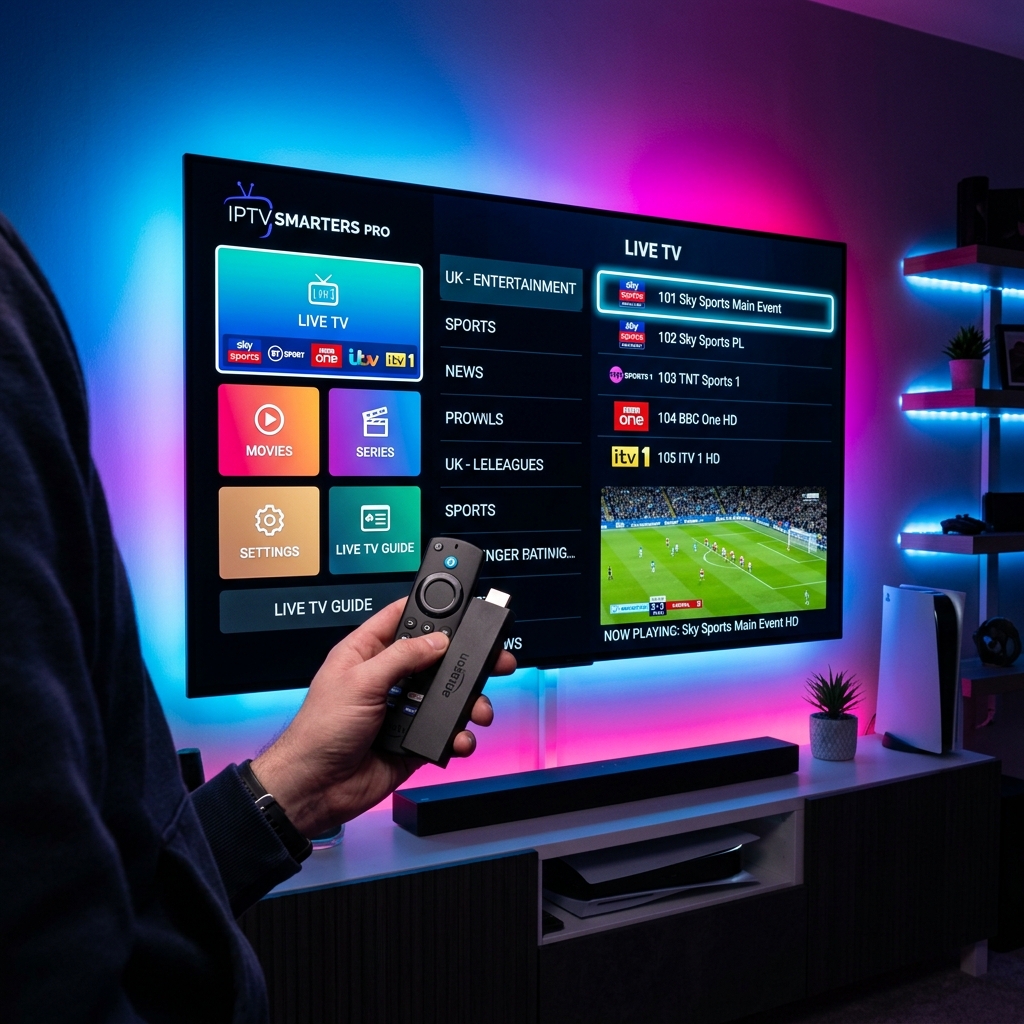
What makes IPTV Smarters Pro so popular?
IPTV Smarters Pro is the global standard for streaming. It is free, has a very clean interface resembling premium platforms like Netflix, and supports all major formats including M3U lists and Xtream API. It features multi-screen layouts, parental controls, and local subtitle downloading, which makes it the ultimate companion for your TV DUBAI Subscription.
How to Login using Xtream Codes API
When you start the app, select 'Login with Xtream Codes API'. You will need four items: Any Name (e.g. TV DUBAI), Username, Password, and the Server Portal URL. The API is significantly faster and more stable than loading a massive M3U file, as it splits content dynamically.
Configuring External Players (VLC/MX Player)
For ultimate compatibility with older hardware codecs, you can integrate external players. Install VLC or MX Player from your app store, go to Smarters Settings -> External Players, click 'Add Player' and select VLC. You can then map specific video streams from TV DUBAI IPTV to open natively inside VLC for a zero-freeze experience.
Updating EPG Guides & Buffer Settings
If you see 'No Information' on channels, go to the main dashboard and click 'Install EPG'. To reduce buffering on slow internet lines, navigate to Settings -> Player Settings and change the buffer size from 'Normal' to 'High' to allow the app to cache your TV DUBAI Free Trial feeds beforehand.