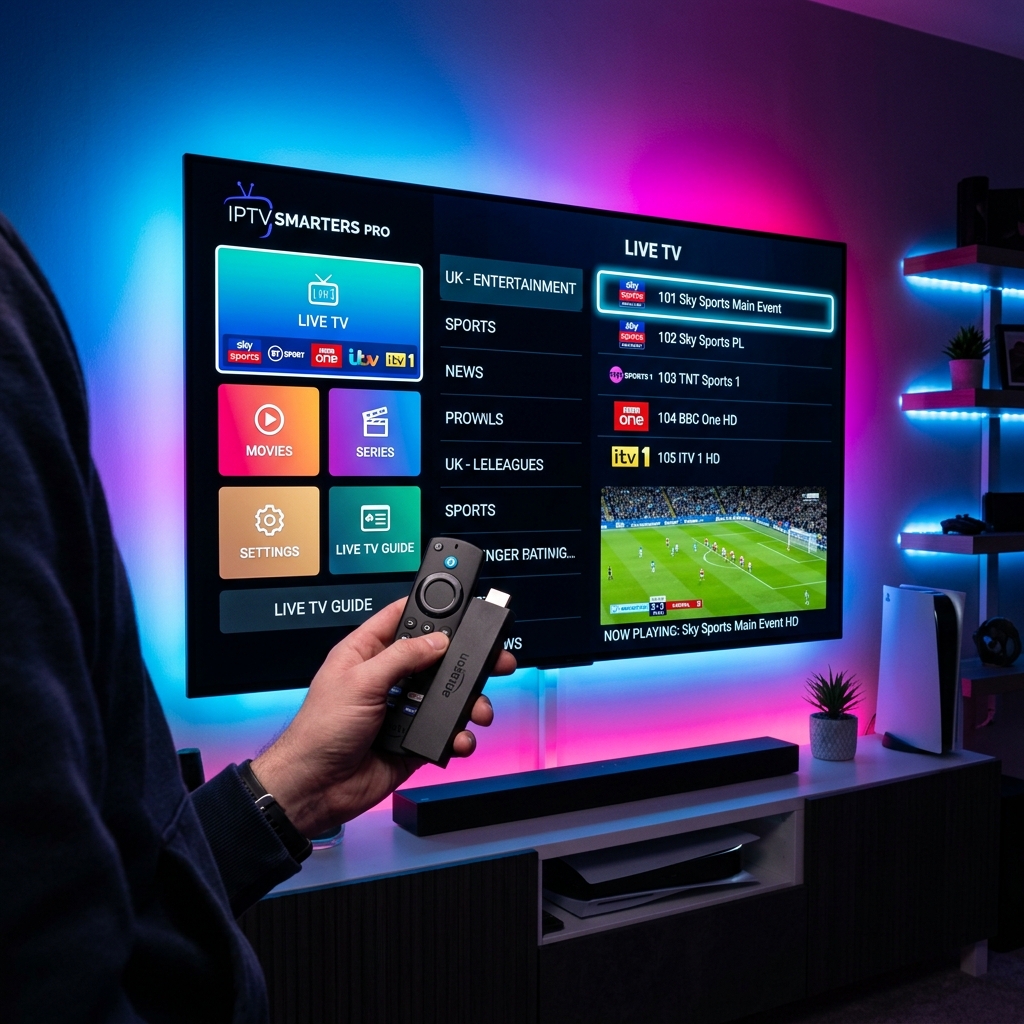
Introduction for Beginners
Setting up IPTV for the first time might seem overwhelming, but it is actually extremely simple. This step-by-step tutorial guides you from choosing a plan to loading your first live channel in under 5 minutes with TV DUBAI IPTV.
Step 1: Selecting your Plan
First, pick a subscription plan that fits your budget. We offer 1, 3, 6, and 12-month packages. We recommend starting with a TV DUBAI Free Trial to test your device compatibility before finalizing your order.
Step 2: Understanding your Login Details
Once you finalize your order, we send your custom connection details via email or WhatsApp. You will receive:
- M3U Playlist URL: A long link containing the complete database of 50,000+ channels.
- Xtream API Keys: Includes Server URL, Username, and Password. We highly recommend using these keys as they are clean, modern, and load faster on all apps, working perfectly on your TV DUBAI Subscription line.
Step 3: Setting up the Player App
Install an IPTV player like IPTV Smarters Pro from your device store. Select 'Login with Xtream Codes API', enter the API keys we sent you, and click 'Add User'. The app will automatically categorize Live TV, VOD Movies, and TV Series in a sleek dashboard. You are ready to stream!