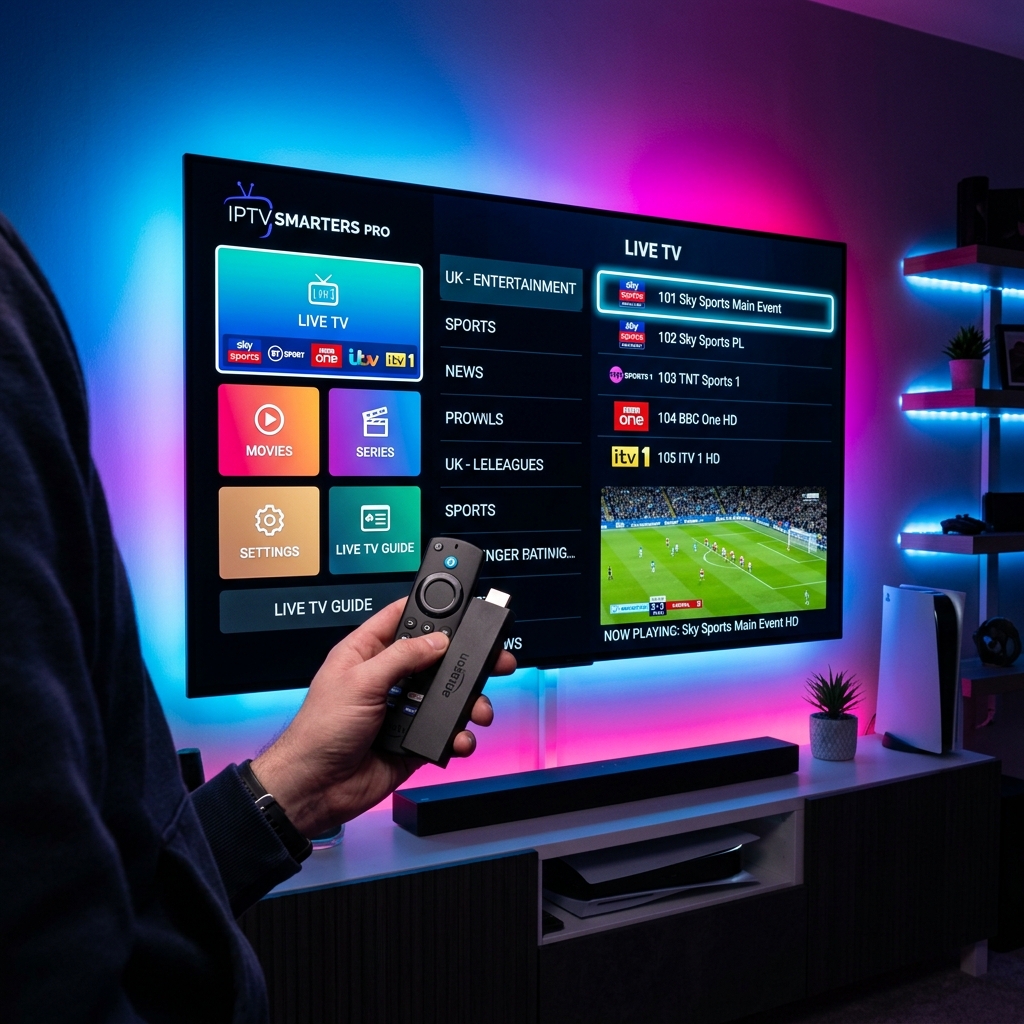
Setting up IPTV on Closed Smart TV Ecosystems
Unlike Android-based systems, Samsung (Tizen OS) and LG (WebOS) TVs do not support direct APK sideloading. You must use official apps listed on their App Stores. However, by using premium applications, you can achieve a flawless, high-speed streaming dashboard connected directly to TV DUBAI IPTV.
Configuring Smart ONE on Samsung TV
Search for 'Smart ONE' in your Samsung App Store and install it. Open the app and locate the unique MAC Address (e.g. 1a:2b:3c:4d:5e:6f). Go to the Smart ONE playlist upload portal or send it directly to our support on WhatsApp. We will upload your TV DUBAI M3U playlist file to activate your TV.
Configuring IBO Player on LG TV
Download 'IBO Player' from the LG App Store. Launch the app and note the MAC address and device key. Input these details on the IBO setup page alongside the Xtream server URL we emailed to you. Reload the TV and start watching 50,000+ channels natively without extra boxes with your TV DUBAI Subscription.
Setting up Philips & Android TVs
Philips and other Android Smart TVs run on Android TV OS. You can simply go to the built-in Google Play Store, search for TiviMate, install the app, and log in with your Xtream API credentials in under 2 minutes. Start with a TV DUBAI Free Trial to verify compatibility.