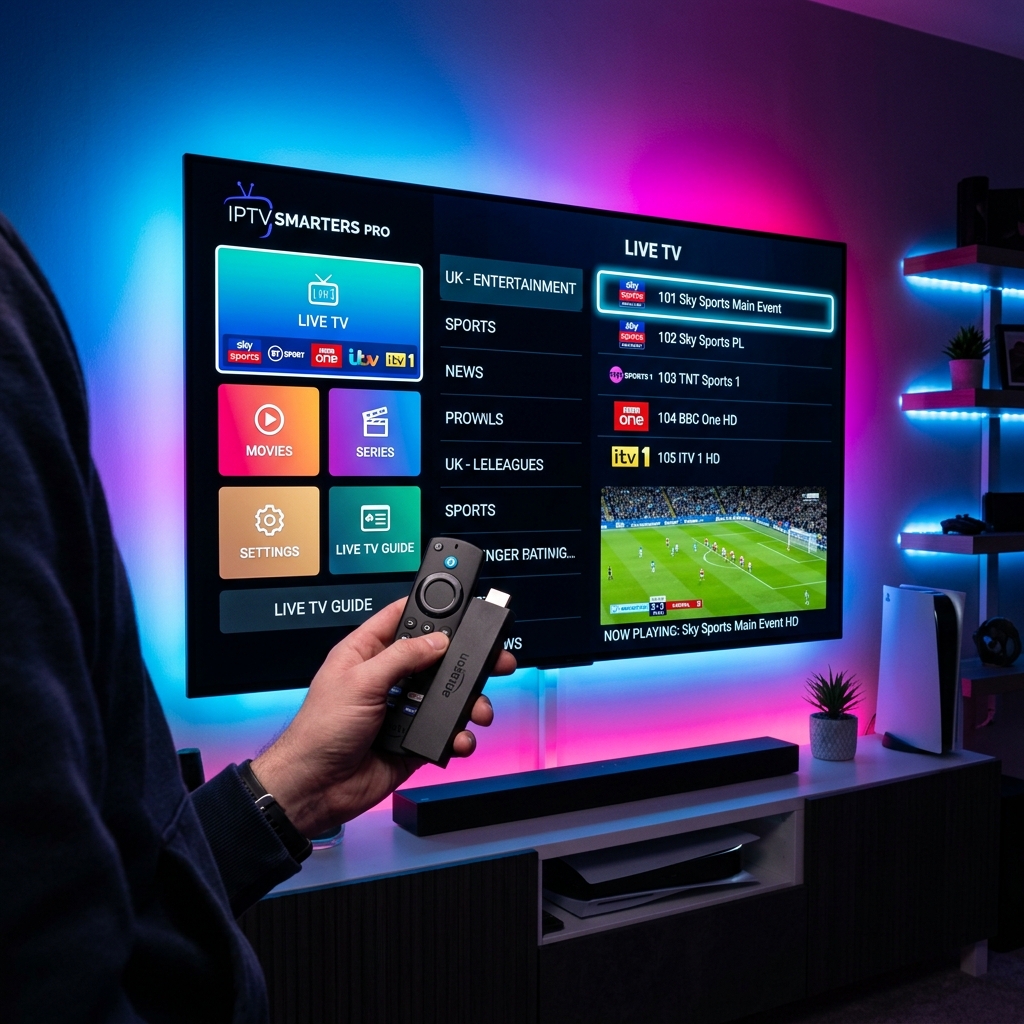
Why Firestick is the Best IPTV Device
The Amazon Firestick is cheap, portable, and runs on an Android-based OS. This gives users full freedom to sideload advanced IPTV applications that are unavailable in standard closed Smart TV markets. By combining a Firestick 4K with a premium TV DUBAI Subscription, you get an elite home theater system.
Step 1: Enable Unknown Sources
Before installing external APKs, you must allow your Firestick to sideload apps. Go to Settings -> My Fire TV -> Developer Options (or click About 7 times if Developer Options is hidden), and set Install Unknown Apps for Downloader to 'ON'.
Step 2: Install Downloader App
Open the search icon on your Firestick home screen, search for 'Downloader', and install the official app. This tool is completely free and allows you to fetch files directly from external URLs.
Step 3: Sideload IPTV Player
Launch Downloader, enter the direct shortcode for IPTV Smarters Pro: 78522, and click Go. Once downloaded, click 'Install' and then click Open.
Step 4: Load TV DUBAI IPTV Credentials
Open IPTV Smarters on your Firestick and choose Login with Xtream Codes API. Input the connection keys sent to you after buying a subscription. Within seconds, your device will download 50,000+ live channels and 200,000+ movies on demand in brilliant HD & 4K quality! Test it out now with a TV DUBAI Free Trial.